Forum image help
Replies

I've been trying to add a forum image to my posts with no luck, it keeps saying Oh no, that isn't a valid image! I have removed my signature and the png image I'm trying to use is within the size limits and uploaded on imgur. Can someone help me figure this out please?


Is it a gif? If so, Subeta has completely forgotten about reintroducing gifs as valid forum images.


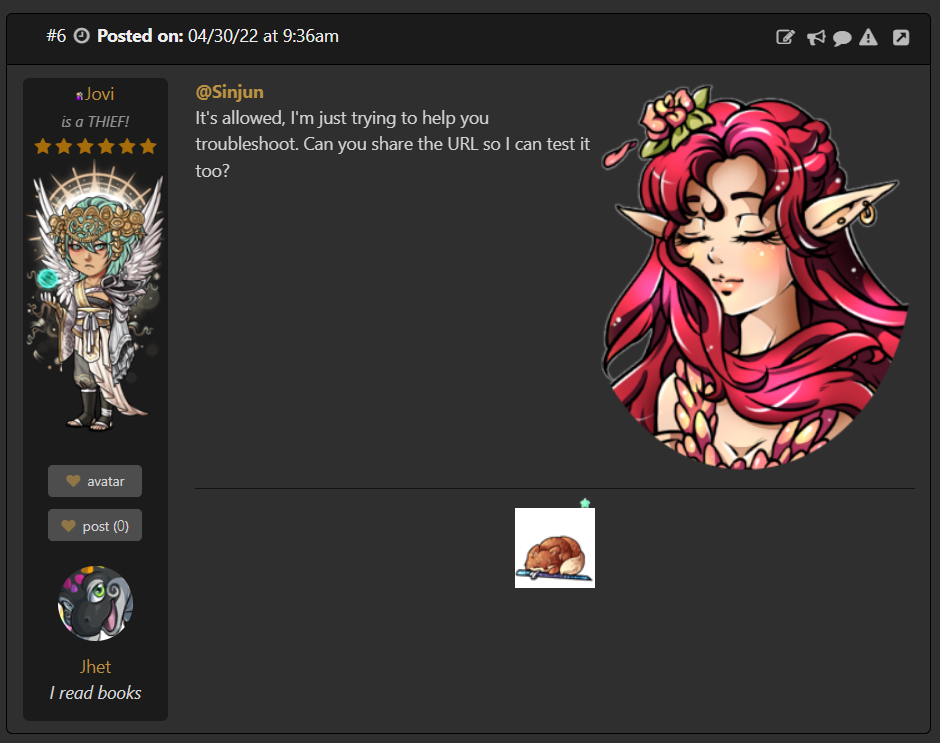
It's allowed, I'm just trying to help you troubleshoot. Can you share the URL so I can test it too?

Hmm I just tested it myself and it worked fine :(
 Just to be sure -
You're going to the:
Dashboard then Forum Prefs then Forum Image and pasting the URL into the text box, selecting the alignment (I picked right align) and then clicking "set preference" right?
Just to be sure -
You're going to the:
Dashboard then Forum Prefs then Forum Image and pasting the URL into the text box, selecting the alignment (I picked right align) and then clicking "set preference" right?
Thats odd to me because I tried your exact URL and it worked (as you can see in my SS) Maybe try a diff browser? Sorry I'm not more help :(
Thank you for trying to help, much appreciated. I have tried on Chrome as well (I was using Firefox at start) and still won't take any Imgur link, even though it clearly recommends me to use Imgur. I uploaded the picture on a different image hosting site that I found by googling it ( postimages.org) and it worked... So the issue seems fixed but it leaves me very confused ^^;