Some questions about coding
Replies

I have nothing to do right now so I want to ask a few questions about coding. First of all, people have said that I should have 3 images instead of two, but how do you do the third image? Would it be background-image: url(background), url(boxes), url(repeating background?); I usually use two urls instead of one because I don't know how to make the third one work... But what I'm really confused about is index divs? Like maybe I'd like one part of the image to disappear or something if you hover over it but only in one area Someone has tried to explain this to me before but it was too confusing and it was with a profile that was already finished but I want to know how to make them work..


If you add multiple backgrounds then they will be in descending order. So the first background is on the very top, the second is below that, the third would be on the bottom of those. I don't know why people say you should use more than one image though, you can use as many or as few images as you like. I always use one for the layout like this one and then I add more so I can get a repeating background over the whole page^^

I don't really know what you meant with the other question though^^"

for the second question do you mean something like this where the side of the picture disappears when you hover over the textbox? (There's a gradient over the textbox so you can still see some of the picture but you can make it disappear completely if there's no gradient.)
Do you have a specific pet you want to do this for? If so I can help you edit the code.
Here's an explanation of how z-indexes work on the example I showed you: There are three divs I used for this. (These aren't the names of the divs in the code but this will make it easier to understand.)
Div 1 - story Div 2 - story:hover Div 3 - art
Z-index can be used to bring divs to the front, middle, or back. Essentially, you can layer your divs however you want. In order to use z-index, the divs need to be positioned -- for example, position:absolute. A div that has a greater z-index will be in front of (and therefore will cover) a div that has a lower z-index.
In this case, you would put the story div at a z-index of 1, and the art div at a z-index of 2. This means that when you are not hovering on the story text box, the art appears on top of it (thus partially blocking it). You then put the story:hover div at a z-index of 3. This means that when you hover over the story section, it appears over the art because it has a greater z-index.
Also! A z-index doesn't have to be numbers 1,2,3, etc... they can be much larger, like 999 or 2000. As long as the z-index is greater for, say, Div A than Div B, Div A will appear on top of Div B.
Let me know if this makes sense! I can share the code with you if you'd like c:
Unfortunately I don't have a specific pet that I wanted to use this with, but my original plan was to use this pet:
link
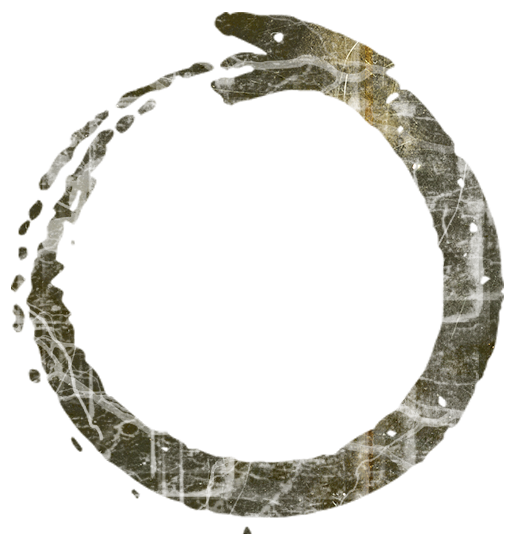
and this image link more or less ,to put it in front of the uroboros so it hovered there and disappeared when you hovered over the pet/desc/treasure etc... Except it's not that image, it's the one that's actually on the BG that I've edited
i dont' even know if it'd look good ...
if you want to try to work with it though you can
I had mostly given up on the idea though...
but his code is here:
Code
 <style>
, , , , , , , , , , .prototip, -ban, -ban-main, -lrc, -rrc, -right, , h2, .bookmark, .hustler, , , .pet_age_info_date, .pet_wco_info_date {display:none}
,  {background-color:transparent!important; height:auto!important}
, ,  {margin:0!important; border:0}
*{margin:0; padding:0}
.notice {background:none; border:0}
.container-fluid {margin:0px}
html {
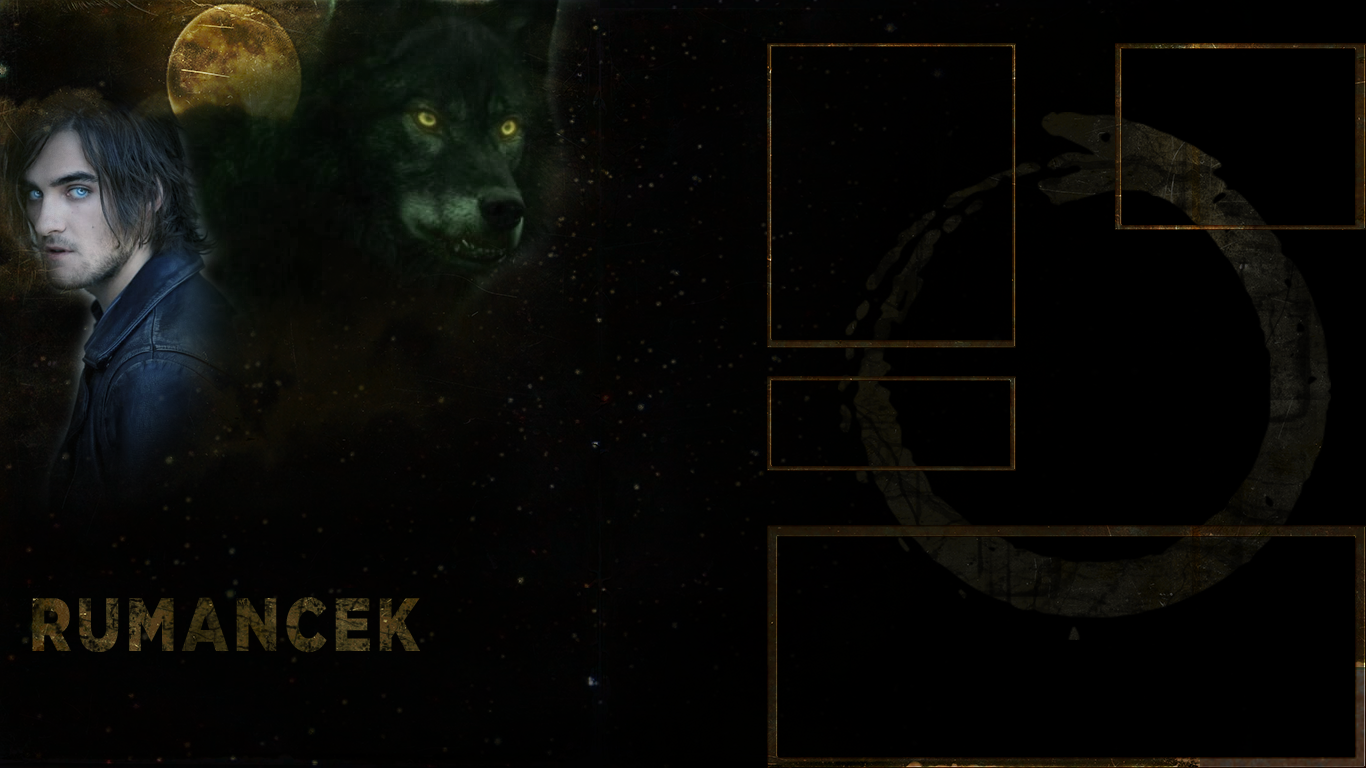
background-image: url(https://i.gyazo.com/2d99b7a9fa5dff7dc142cd597c5bddb8.png), url(https://i.gyazo.com/05b59993c4a4330a87ed417647a4dca0.jpg);
;)
background-repeat: no-repeat, no-repeat;
background-position: top left, center center;
background-attachment: scroll, fixed;
background-size: auto, cover}
body,font,td,a,p,table,div,tr {color: }
{position: absolute; top: 50px; left: 625px;} .pet_name {position:relative; top:-20px} .owner, .pet_color_info {position:relative; top:-40px} .pet_like {position:relative; top:-40px}
{opacity: 0.4; filter: alpha(opacity=40);} :hover {opacity: 1;filter: alpha(opacity=100);}
.pet_spotlight{display:none;} {position:absolute; top:326px; left:148px; width:235px; font-size:10px}
img, .pet_spotlight img {height:58px!important; width:58px!important; margin:2px}
img, .pet_spotlight img {opacity:0.4}
img:hover, .pet_spotlight img:hover {opacity:1}
{position:absolute; top: -5px; left: 493px; width:240px; height:160px; overflow:auto} .treasure_item {margin-left:8px; margin-bottom:8px; border:0px solid }
img:hover { filter:alpha(opacity=100);opacity:1; } .treasure_item img {opacity:0.4;}
{overflow: hidden!important;}
:hover {overflow-y: scroll!important;}
{position:absolute; top:497px; left:190px; width:500px; height:200px; overflow:auto}
{overflow: hidden!important;}
:hover {overflow-y: scroll!important;}
a:link,a:active,a:visited {color:}
</style>A noise rang out in the sudden silence. A groan of pain, the sound of dull cracking. Snap, crack pop. He kneels to the ground, skin shifting and convulsing as tendons and bones shatter and separate.
Fingers gracing his face; warm, wet, sticky. Dripping down his hands and into his mouth, tasting of liquid pennies. Bright blue gelatinous spheres oozing like jelly with the wet sticky mess, replaced with wild gold. The same liquid fills his mouth. The cavern fills with bone fragments; teeth, which drip from his lips to join his eyes on the forest floor.
Fingers fell from the carnage of his face with eyes watching that seem far less human. Breaking, cracking like the rest, with knuckles that shatter and are replaced with black claws. Flesh tears along his naked back, revealing black fur. Nails rip at his shoulders and rip the skin away like paper.
His jaw splits, teeth still falling from his mouth and replaced as a blackened canine maw emerges from his mouth. Jaw cracking, breaking, skin splitting until his face falls away and the beast emerges from what was once his mouth. He continues, stripping the skin until he stands in the dull light as a black wolf, shaking a red mist from his fur before devouring what he once was.
Man becomes beast, world seen through wild eyes as he bounds on four legs into the forest.
click! I just want to make sure the hovers work on your end. I know the font and font color is wrong but the pet image, treasure, minion, and story should come forward when you hover over them. it does get a little wonky sometimes because uroboros doesn't have clean edges so the hover sometimes takes a while to respond, but it should work on your end because it works on mine. i would suggest removing the uroboros from the background or finding out its exact width, height, and position in px (you can do this using the slice and transform tools in photoshop) so you can more accurately position it over the one in the background! I didn't know its exact position or height/width so you can kind of see the one in the background poking out.
lmk if it works for you c:
click!
I just want to make sure the hovers work on your end. I know the font and font color is wrong but the pet image, treasure, minion, and story should come forward when you hover over them. it does get a little wonky sometimes because uroboros doesn&;t have clean edges so the hover sometimes takes a while to respond, but it should work on your end because it works on mine. i would suggest removing the uroboros from the background or finding out its exact width, height, and position in px (you can do this using the slice and transform tools in photoshop) so you can more accurately position it over the one in the background! I didn&;t know its exact position or height/width so you can kind of see the one in the background poking out.</p>
<p>lmk if it works for you c:</p>
<p>
LOL it does look a little strange, I think bc the picture is sort of transparent.
this is the code for whatever art you have:
 {
background-image: url('url for image goes here]);
background-repeat:none;
background-size: 522px 553px; /* the first number is the width and the second is the height /
background-position: top-left;
position: absolute;
top: 45px;
left: 190px;
width: 522px; / input the same value as the first number in background-size /
height: 553px; / input the same value as the second number in background-size */
z-index: 3;
}
then in the html section you put:
and this will position the art on the layout.
this is the for whatever you want to put under the art and have it pop up on hover, using the treasure as an example.
 {
insert all your formatting here. you don't need a z-index.
}
This will make it pop out on hover:
:hover {
z-index: 10; /* or some other large number */
}
you can apply this to any div c: you can also use css to make it fade in and out smoothly on hover.