How do I make this background image fit?
Replies

I'm trying to work with this profile and having some issues. I mostly just took Stark's profile so it's kind of messed up right now and still has the coding for his, other than the background...
But I want the background to look like this:
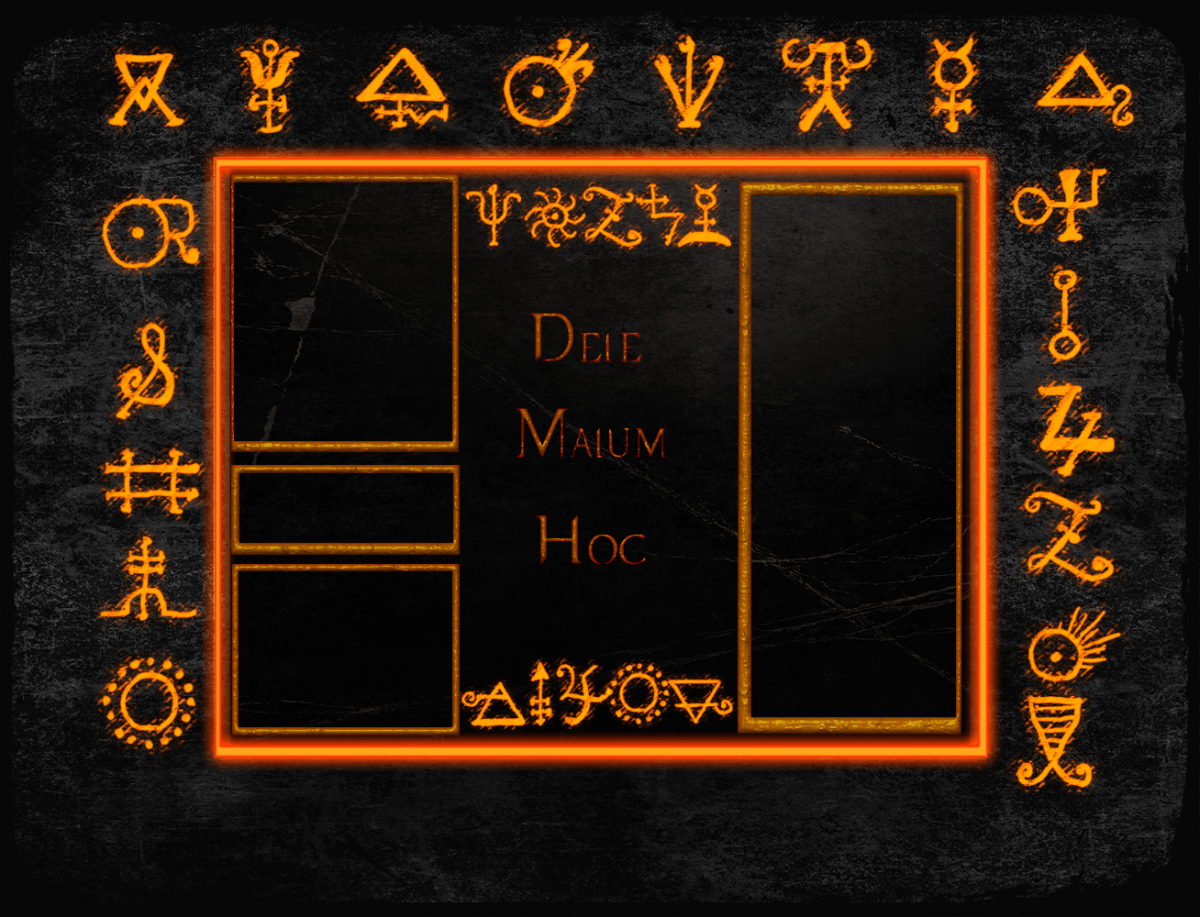 with the center being the main body and the rest being of the background.
So I made this:
with the center being the main body and the rest being of the background.
So I made this:
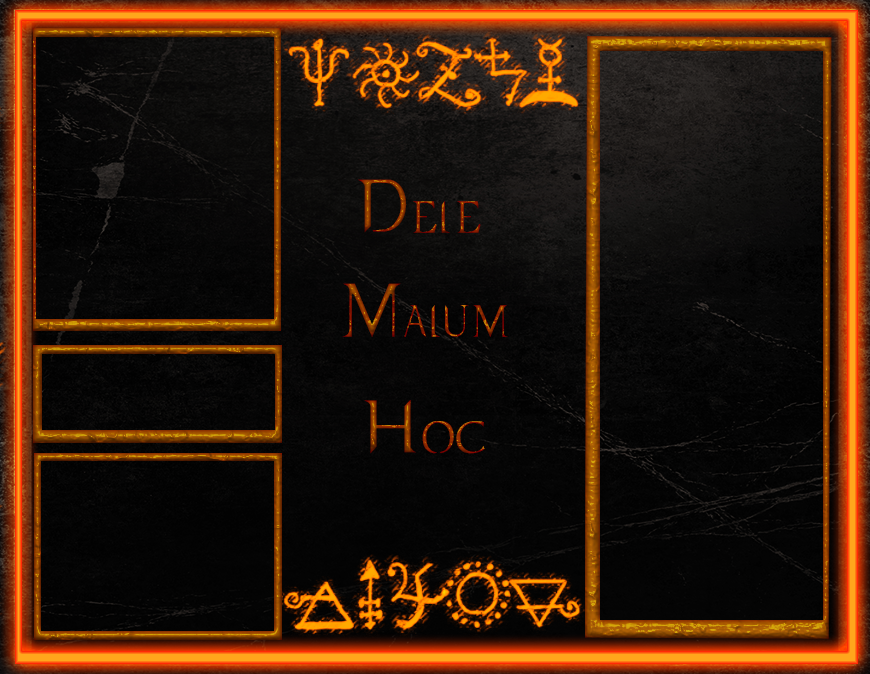 and this:
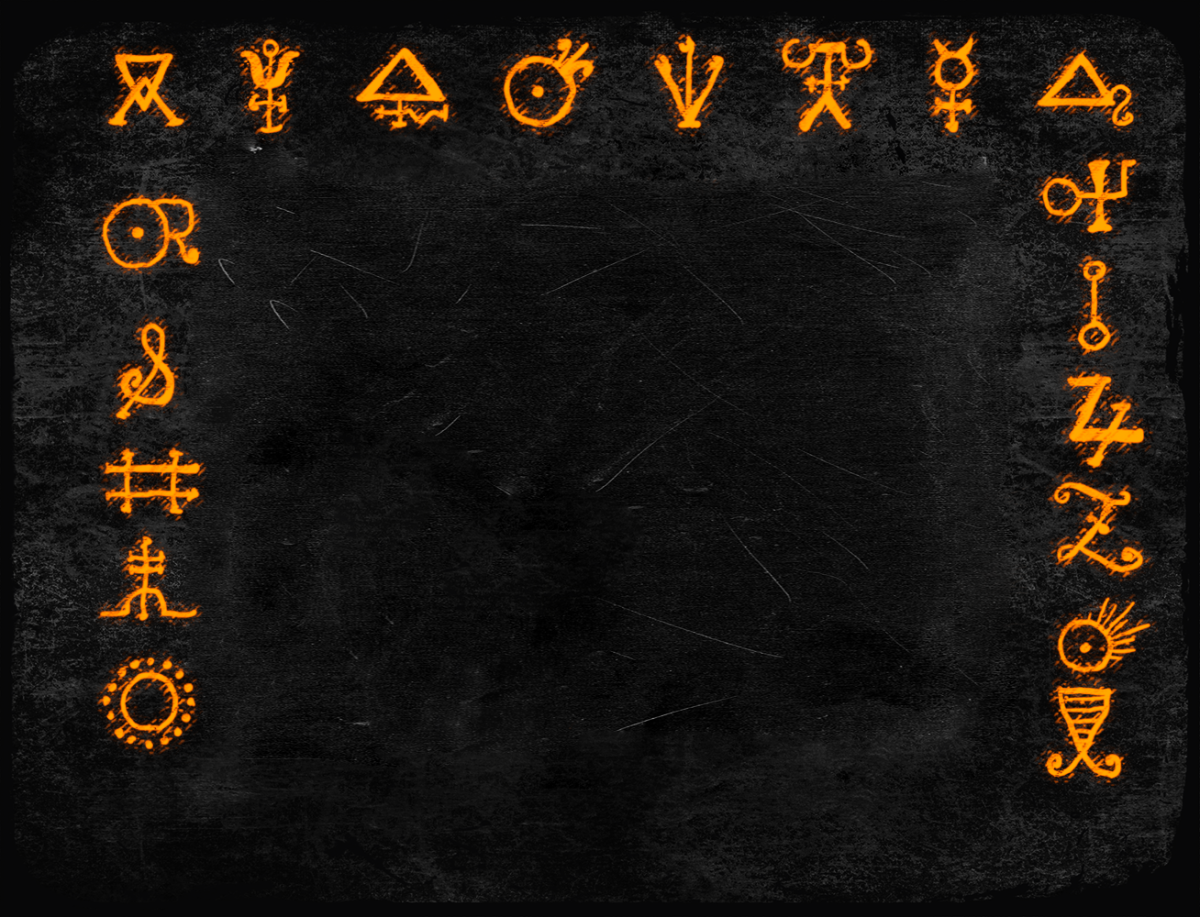 but it only fits if I make it repeat and that looks really stupid
so I don't know how big the background pic should be or how I should set it to make it NOT repeat and still stay relatively in the same place on everyone's screen...
but it only fits if I make it repeat and that looks really stupid
so I don't know how big the background pic should be or how I should set it to make it NOT repeat and still stay relatively in the same place on everyone's screen...


I know you guys are good with the coding. Can you help with this? ;w;

hi there! is there any reason you separated the main body from the background? i feel like the solution would be easier if they're in one image.
was actually the one with the question. ^^;
if you have two images of a fixed size that need to seamlessly work together, and don't plan to have any special/hover effects with the body itself, it'll spare you some pain and effort to combine them. in stark's case, one image (body) is a fixed size, while the other background is a tiled/repeating image, so separating them was better in that case.
i notice the scale of the body was larger than the background size, while in your very first picture they fit perfectly? if you cropped the second one out and have no way back (hence your background size question), the size of the background with the glyphs should be around 1245-1255px in width if you want to play with that and re-save it to the proper size.
this is what i have, but the body's edges are choppy since the background size had to be scaled up (and the positioning may not be correct). here, the width of that background is 1250px.

code (replace the body and #pet_info blocks
body {background: url('https://i.gyazo.com/6c8d3d02a4bbab6d6c0d5f4ede192164.png') no-repeat,url('https://i.gyazo.com/0b9b7a5f0184416c6b4c834eaa4c2630.png') no-repeat;
height: 1000px;
background-size: 870px 674px, 1250px;
background-position: 210px 138px, 0 0}
{position: absolute; top: 177px; left: 102px;}
I tried using that code you gave me, but this is what happened D:
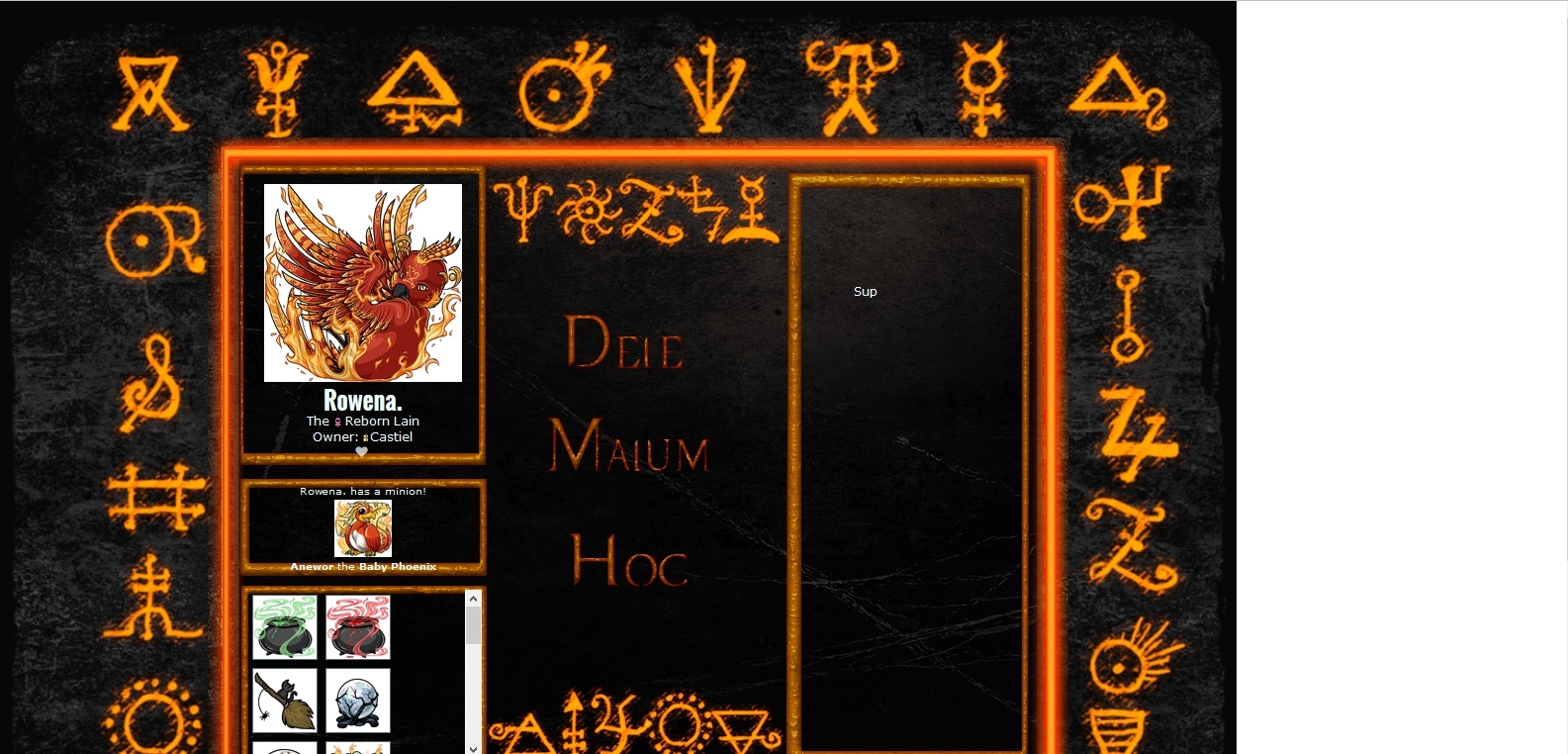 So I'm not sure what I've done wrong? and I'm not sure what you meant about cropping it.
ahh, i think you deleted the line under the body block, so you just have to add it back in--
html {background:url(https://i.gyazo.com/d6a7be0d14e16c107bb662f8913617a8.png) repeat left top}
by cropping, you cut out the body and saved it separately from the background with the glyphs, so to speak! you'll have a better time positioning things (and with less lines of code) if you saved both as a single image.