Weird black line & hiding scrollbars
Replies

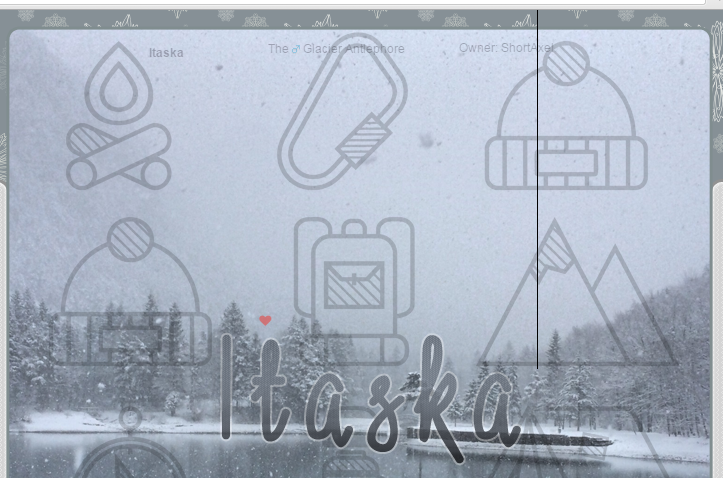
I'm working on fixing up Itaska's profile after not touching it for years. All of my old profiles have weird solid black lines in the same place (on Itaska's its to the right of the last a in his name) and I have no idea how to get rid of it.
I'm also trying to figure out how to hide scrollbars and keep sections scrollable.
previously shortaxel

if anything, that black line looks like it's part of the background image. unless you're talking about something else and i'm not seeing it? this is what i'm seeing.

as for scrollbars, there are a couple of options. the first is to use webkit styling, but it only works in safari and chrome. you would just use this code:
::-webkit-scrollbar {width:0px; height:0px}
and boom, invisible scrollbars.
however, if you want a slightly more complicated solution that works across browsers, you could put your scrolling divs in container divs that are slightly smaller on the right with an overflow value of hidden so that any extra doesn't show through. the problem here is that i don't think you can make that work for the pet treasure, as the pet treasure div is not able to be placed inside other divs because it is a pre-existing piece of the profile. so unfortunately i'm not 100% sure how to make that work.
the OTHER option, probably your best one, is a scrollbar cover, which is basically just an image that matches the background of your divs and is the right width and height to cover the scrollbars. then you just use CSS to position it exactly above where the scrollbars go. this method has problems, too, though, because some people (i.e. me) have this setting on our computers where you can have scrollbars be hidden unless you are actively scrolling. this means that, instead of having an ugly scrollbar taking up the rightmost 10px of a div, the text goes right to the edge. so a scrollbar cover will actually cover some of the text and make it annoying if not impossible to read. the only way to avoid this is to make sure the text doesn't actually go all the way to the edge; one way to do this is to add "padding-right:10px" to the div, and then subtract 10px from its width.

How bizarre. This is what I see, and a line like that is on every single one of my pets' profiles (that actually has coding on them). I just looked at Itaska's profile in Incognito mode and there's no line.
Thanks so much for all the scrollbar hiding methods! I'll play around and see what works best for each profile.
previously shortaxel
do you have any custom css? that might be affecting it.

, , , , , , , , , , .statbar, .pet_wco_info, .pet_age_info, .pet_wco_info_date, .pet_age_info_date,  a, .weapon_item {display: none}
 {border:0px;}
,  {background: none;}
It only affects those with the Morostide layout, all of the other layouts do not seem to have this line.[/font]
quitting - non-cw version. sp and csc accepted. - it&;s finally happening: the ufa-ening.