Having trouble with Stark. Please help.
Replies

I'm working on Stark's profile and I don't like there being a background color and just a foreground. I like the size of the initial background image but I want there to be almost a tile in the background with the black color. I tried making a large image with just the black part on it and then pasting the original pic over it, then repeating the image but it didn't show up right on other people's comps. So basically what I'm looking for right now is a code to put another static image in the background of the body background. Stark is leashed so you can click him to see what I currently mean.


[.] Do you mean something like this? Just adding a pattern in the background?
This is what I changed in the coding:
body {background-color:black;
background-image: url(https://i.gyazo.com/396ad8ded10ff86a3f0bf386436046c2.png), url(http://i.imgur.com/LVikhWq.png);
background-repeat: no-repeat, repeat;
background-position:center, top left;
height:660px;}
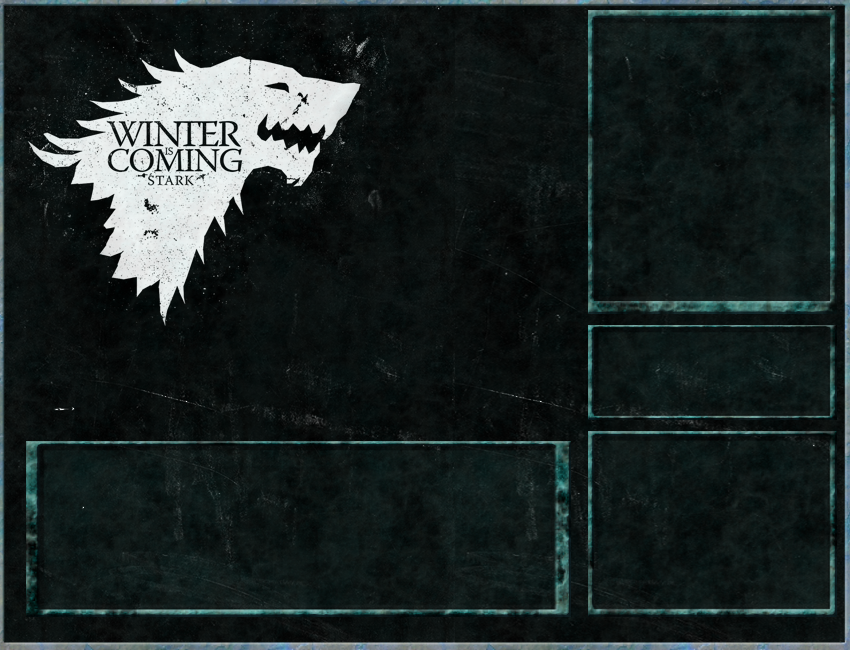
;)
I added a second small image and set it to repeat. [edit] xD Please excuse my terrible pinging.
Thanks! That seems to have worked. Now I hope that it shows up evenly i on other peoples comps now

[.] If it helps any.. the aligning is off to the right on my screen ^^'

I've been trying to fix this but that keeps happening to like every single one of my pets and I cannot for the life of me figure out how to fix it. The background is fixed, the pets are fixed but they still move...

[.]
the positioning is off because you're using "right" positioning instead of "left" positioning. so for instance where it says
{position:absolute;top:40px; right:331px;}
you need to change it to
{position:absolute;top:40px; left:850px;}
you might have to fiddle with the number until it looks right, but it'll keep their positions fixed no matter how wide or narrow the viewer makes their browser window.

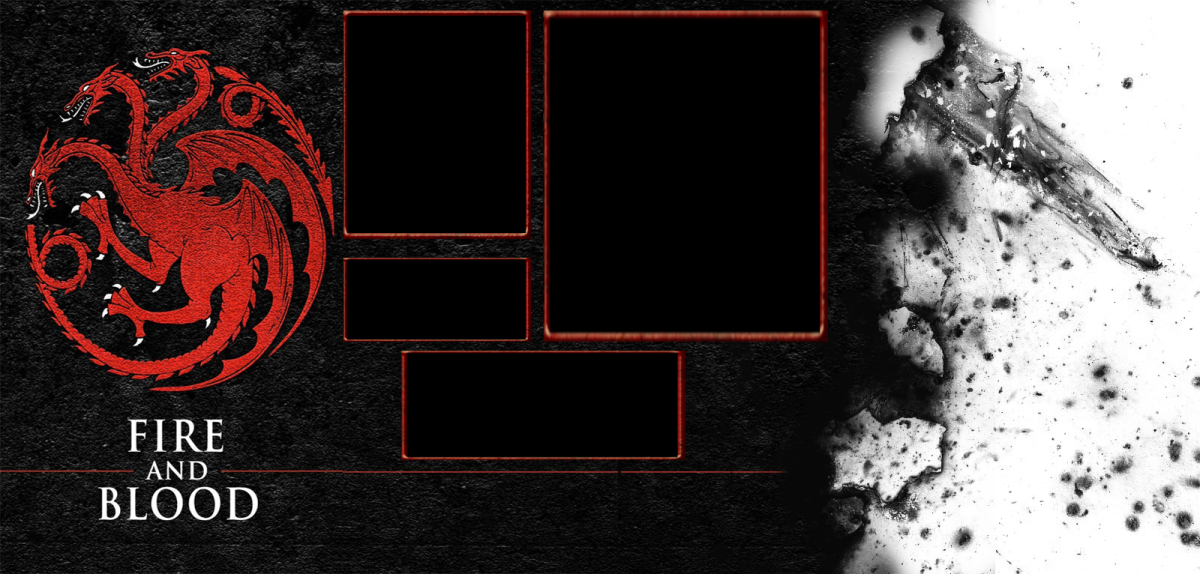
I tried that with this pet but for some reason people keep saying that one's off too and I have the code set to {position:fixed;absolute;top:30px; left:475px;}
and the bg to
html {background:url(https://i.gyazo.com/2cd89d70dd5f8eeb3a58032d08fd30ec.png) no-repeat center center fixed; -webkit-background-size: cover; -moz-background-size: cover; -o-background-size: cover; background-size: cover}
[.]
the background position looks fine, but checking the profile's source code tells me you're using this:
 {position:absolute;top:40px; right:331px;}
{position:absolute;top:320px; right:355px;}
.pet_name{position:absolute; top:240px;right:400px;}
.owner {position:absolute; top:270px;right:370px;}
.pet_color_info {position:absolute; top:290px;right:360px;}
.pet_spotlight{position:absolute;top:335px;left:650px;}
 {width:215px;height:365px;overflow:auto;position:absolute;top:450px; right:322px;}
if you sMail me your code i can fix it up, if you don't mind.