Please complete the security code (Is this legit?)
Replies

So I'm trying to slot people for a CW and while attempting to get that started (as in I'm not at that step. I've just done the form that you fill out before you get to the slot page) I got this message. I don't want to do anything if it isn't legit.
Screenshots are linked because they are large Screenshot 1 Screenshot 2
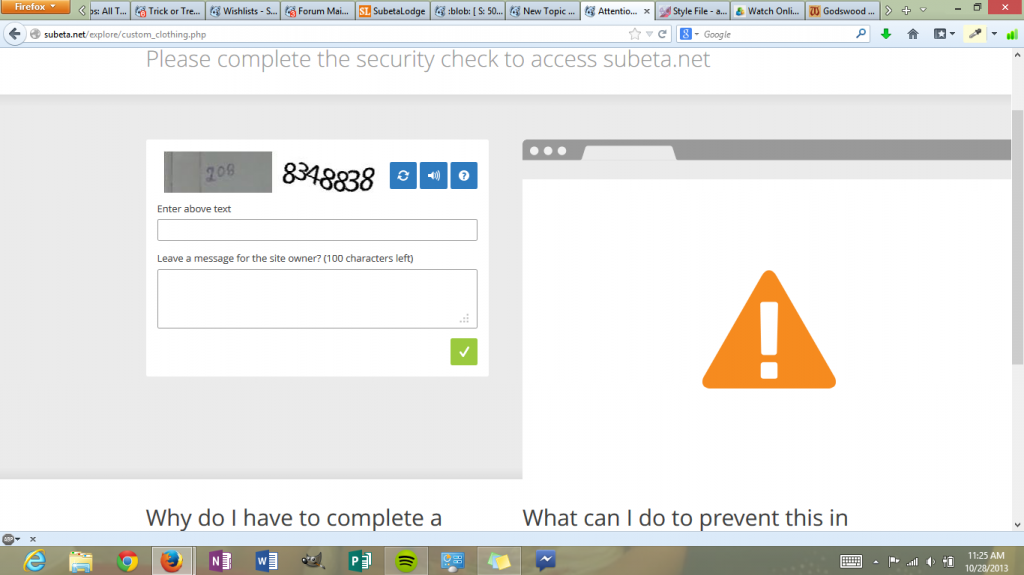
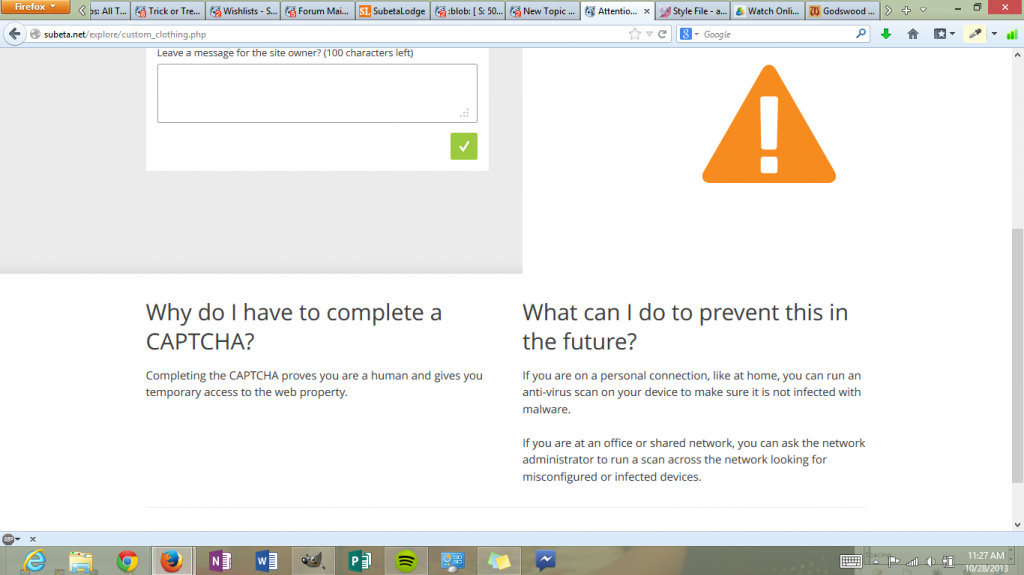

I used to get those when changing a pet profile. I filled them out and everything was fine. I am assuming it should be the same with this. But you can wait around for other opinions if it helps!
Dexter by ❤

I have never seen anything like this on Subeta (though I don't edit pet profiles often, where people seem to mostly encounter them).
Honestly, it seems like something on the users end a bit, like how some anti-virus programs have 'web shields' and the like.
It might be one of Subeta's various partners (they use several site-optimization services) but I would be a little surprised. The site is just... oddly generic.
I'm thinking it's on my end too. it's from CloudFlare though. I was just wary because I'd never seen it before when submitting custom wears (actually I'd never seen it before at all). I went ahead and entered it, so far so good.
HERE is the board about the problem when it was affecting pet profiles. Post has the screenshot. Then it was happening because of scode in the profile. No one has reported it happening lately so I am guessing it might be fixed with pet profiles but I dunno why it is showing up with CWs.
That was just information really. I do hope it gets fixed!
Dexter by ❤