Wardrobe not loading
Filter
Show Official Posts OnlyReplies

Also having this issue. Haven't been able to get wardrobe to load so I can remove skin to participate in the event. Extremely extremely frustrating.

Same here...Wardrobe refuses to load ~ just keeps spinning. Can't remove current skin, so I cannot request another virus. Second time this has happened. (sigh) :(

AGAIN no wardrobe, got rid of one skin.. can't even change outfits. Chrome and firefox a no go, help!

I've been sharing info as people mention it, including screenshots of the 'loading avatar data' freeze and Keith's been putting together a plan he's working on to at least get an update today.
Unfortunately it's proving hard to pin down; a single factor like wardrobe size or ad blockers would be a great guess if it happened consistently, like it always failed to load. But being able to get a successful response when refreshing after a few times is proving difficult on finding the resolution. That different browsers work sometimes is also complicating. We know it's frustrating and it is being worked on! I'm hoping to have more for people later.
- - -
Signature art: Original pencilwork by , digital lineart and coloring by

Thank you so much for the update! Hugs

My wardrobe is not loading for the past three days, just spinning and spinning. My avatar will load at the top of the wardrobe/new Subeta though. I've tried logging in and out of regular Subeta and clearing my cache multiple times. Three or four days ago i was having this issue and clearing my cache worked right away, now nothing. One thing I'd like to mention got better around the same time frame (not sure if it's related to this but it also just happened), and that is, now the site doesn't seem to require me to log in and out once an hour to view wearable previews and forum posts the way it has for quite a long time. It keeps working no matter what. So I don't know if a fix got pushed for that and it somehow effected my wardrobe, or it's just a coincidence.

Got a new laptop through work and can't get the wardrobe to load with Chrome on the new device. It just sits and spins. Luckily, the wardrobe will load on my phone, so I've been able to change skins and whatnot for Survival. I'd like for it to work on the laptop as well though. I don't even know where to begin to address the problem.
🐢 | | [egg=mindblaze] | [tp=mindblaze] | | | |

without a doubt complicated. I use 2 instances of the exact same browser on the exact same computer and one loads the wardrobe and the other doesn't. The two instances have some very minor differences in options and a very tiny difference in add-ons (the same add-ons, but one of them uses a different version).
[edit] I use Firefox 86.0
Wardrobe works: Close tab button - v 1.0.0 Snap Links - v 3.1.7 uBlock Origin - v 1.19.2 TabSubmit Basic - V 0.5.0
Wardrobe doesn't work: Close tab button - v 1.0.0 Snap Links - v 3.1.6 uBlock Origin - v 1.14.22 SubmitToBlank - V 1.0
SubmitToBlank is a simplified version of TabSubmit Basic.
In loving memory of Need posting achievements?Then join Posting Frenzy Achievement Items - searchable list List of Borders and cutouts New at Fresh and Flavorful Ping Group
The timing matches up, and it's one of the avenues he's specially checking out. I've been uploading screenshots and info as I get it but more data is always good; what are the add-ons and their version numbers?
- - -
Signature art: Original pencilwork by , digital lineart and coloring by
... Version 99.0.4844.51 (Official Build) (64-bit) I closed and reopened my Chrome, tbh I'm kinda bad about doing that since I'm one of those people with a million tabs open, that worked after i cleared my cache again.
Whoops, that was the data I was searching for but I pinged the wrong person. Thank you for providing it!
- - -
Signature art: Original pencilwork by , digital lineart and coloring by
Doubleposting for great justice here, but:
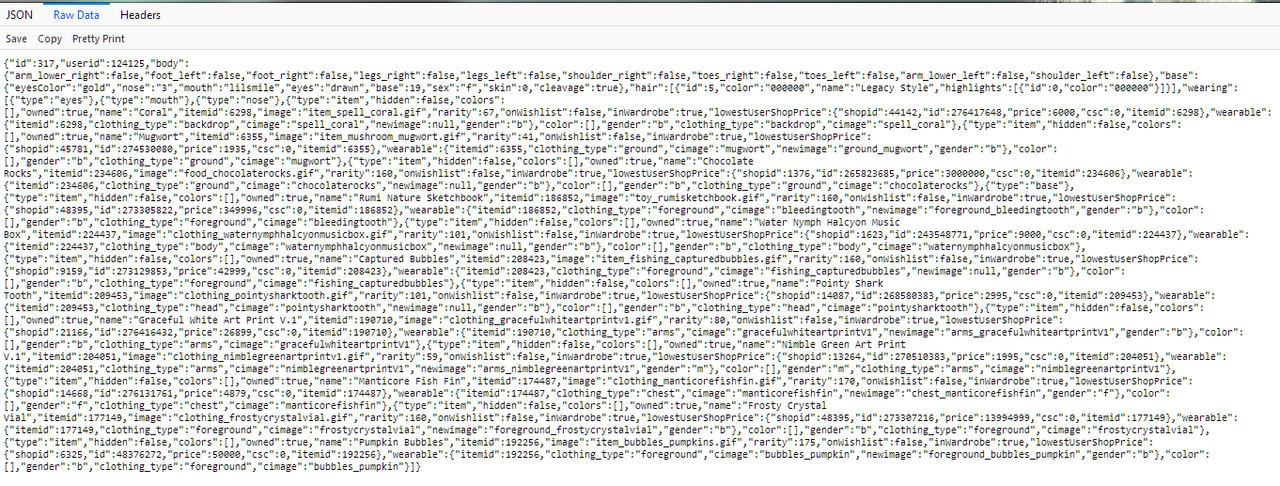
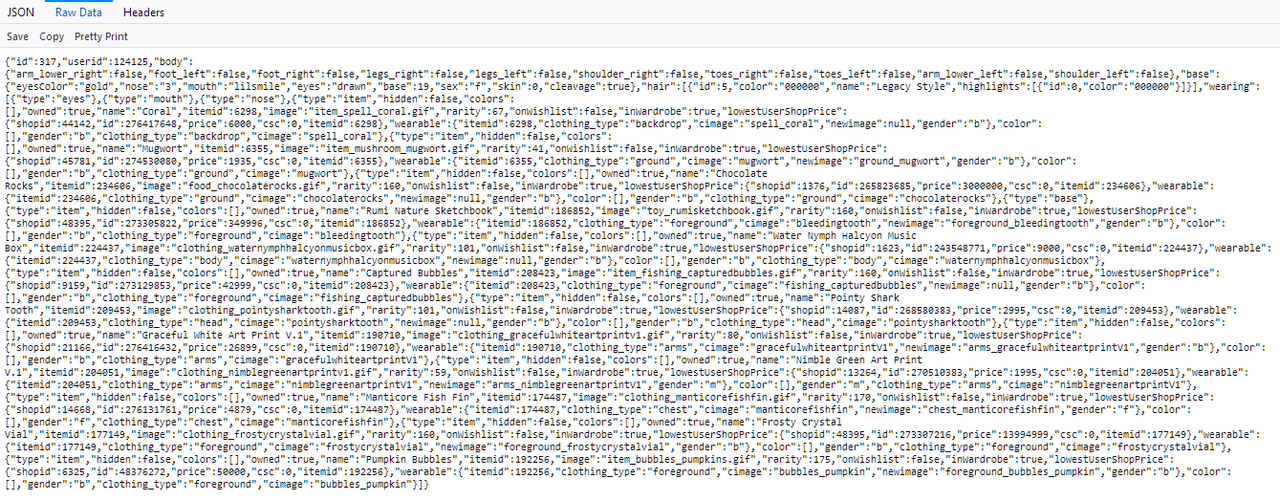
Can people please try this link
And tell me what you get? Or better yet, screenshot it?
- - -
Signature art: Original pencilwork by , digital lineart and coloring by

Screenshot under the spoiler tag
SPOILER (click to toggle)
Click for larger image

They both look exactly the same:
Wardrobe works
Wardrobe does not work
In loving memory of Need posting achievements?Then join Posting Frenzy Achievement Items - searchable list List of Borders and cutouts New at Fresh and Flavorful Ping Group

Jumping in very quickly to outline our new process, and that it's going great (well, except that this bug still isn't' resolved 😭)
When a new bug is found and investigated (either by other staff, galaxia, or y'all) we create an issue in our task management system. Then through that, collects details from the thread (and asks the questions I'm asking) and condenses the information back into the issue.
That way, it's all in one place, we have it tagged to the user who is experiencing it, and I can work on the problem without worrying about missing a particular piece of information.

This is working great, and means that we're communicating way, way, faster even if it doesn't' feel like it from your end.
And with that I'll leave y'all back in the very capable hands of !
💖 ✨ 🤗

Hi Everyone, I still have issues accessing my wardrobe - when I get to the wardrobe page it doesn't load. BUT when choose custom wearables in the dropdown menu and I get to the page, I think click on personal which gives me the option to select wardrobe. When I select it my wardrobe loads without issue :( It is the only way I've managed to use my wardrobe. I achieve using a PC Windows 10 with a Google Chrome browser

Eddie ❤ Chrissy
[tot=DarkMonday]
Yay! my wardrobe just loaded where it previously wasn't!
In loving memory of Need posting achievements?Then join Posting Frenzy Achievement Items - searchable list List of Borders and cutouts New at Fresh and Flavorful Ping Group
It's loading better for me now as well, I haven't cleared browser cache or anything and it loaded when I tried to open it and even after refreshing several times seems to still be loading, when before it would usually go back to not loading after one refresh.

It is still hit and miss for me and my wardrobe loading but it is loaded right now.
But when I try to purchase from any CW shops, it tells me I cannot because I am not signed in. I sign in and sign in and sign in with no luck...and all my avatar borders are showing locked.

Pat, Tracy, Gina, Karen, Grammy, Marreshaann, Georgie
My Guitar Gently Weeps...

