The saga of Bug vs. the Wardrobe
Filter
Show Official Posts OnlyReplies

Hi ! Any idea when you might get to the Base and Hair Salon sections? The way they scroll away down the page so you can't see your HA while you're choosing your eyes/hair/etc makes using the defaults rather difficult.
useful threadsThe Giant List of Usability and Random Improvement 2.0 Comprehensive Guide to Battle Opponents (v2) [topic not found]
|
[topic not found] |

When I am done the higher-priority things on my to-do list :P
🐝 ☕ bug (he/him) | your friendly neighborhood code wrangler. stay in the loop! join and check out the latest admin post highlights
fair enough! 😝
useful threadsThe Giant List of Usability and Random Improvement 2.0 Comprehensive Guide to Battle Opponents (v2) [topic not found]
|
[topic not found] |

Hopefully this is the right spot for this. I deleted all my old drawers to reorganize my wardrobe. Here's my problem. I had a "Glasses" drawer that I deleted. Now any glasses that were in that drawer do not show up under "unsorted" or "none". It's like the wardrobe sees that they are still in a drawer even though that drawer got deleted. I can only access the items by searching "all". This might just be an error on my part but I'm not sure how to fix it.
There is no Shepard without Vakarian
Oh that's very weird. It might've glitched on you. Can you make a ticket, and I'll take a closer look? You can say in it that Bug asked you to make the ticket. Include some examples of specific items that were in the drawer and not showing up correctly now.
🐝 ☕ bug (he/him) | your friendly neighborhood code wrangler. stay in the loop! join and check out the latest admin post highlights

Hi hi! So I've been on semi-hiatus, thus using certain aspects of the site a lot less. I've been using the mobile wardrobe less for reasons of its own, however. I've noticed this particular problem has been present for quite a few weeks now, it makes it difficult for me to enjoy changing my outfits often, so I just don't anymore. IOS mobile wardrobe on safari.
So, this is how my screen looks (when zoomed all the way out)
SPOILER (click to toggle)
The box that has the clickable items in it is sitting to the right of all of the options. It is also suuuper short, so I cannot scroll it with ease and its hard to see the items I want to use

The next image just shows what my screen looks like if I refresh the page and it is not zoomed out (what makes it more mobile-friendly)
SPOILER (click to toggle)

It used to be that the scroll box with the item CI's in it was tucked center, below all of the options and at least 4 item CI's tall. If this could get a fix at some point, I would be so grateful!
Thank you <3

Your second screenshot shows what it's supposed to look like. You can use the "Toggle" option to toggle the search filters and when they are hidden you should be able to scroll through the item results. Hope this helps!
🐝 ☕ bug (he/him) | your friendly neighborhood code wrangler. stay in the loop! join and check out the latest admin post highlights

Good evening! I've been having a particularly weird glitch for a few months now - In Chrome, when I go to my wardrobe, my entire avatar is blank, save for the last item I put on. (Screenshot here. As you can see, only the top item shows, and nothing else.) This, to my knowledge, only happens in Chrome. No matter how many times I update, this is still like this. I've converted my avatar, reset it to defaults, and cleared my cache, and still it won't fix itself. I've been using the wardrobe in Microsoft Edge as a workaround, and I've had no problems with Firefox either, but it's a little frustrating to not be able to just change without having to log on from somewhere else. :^(
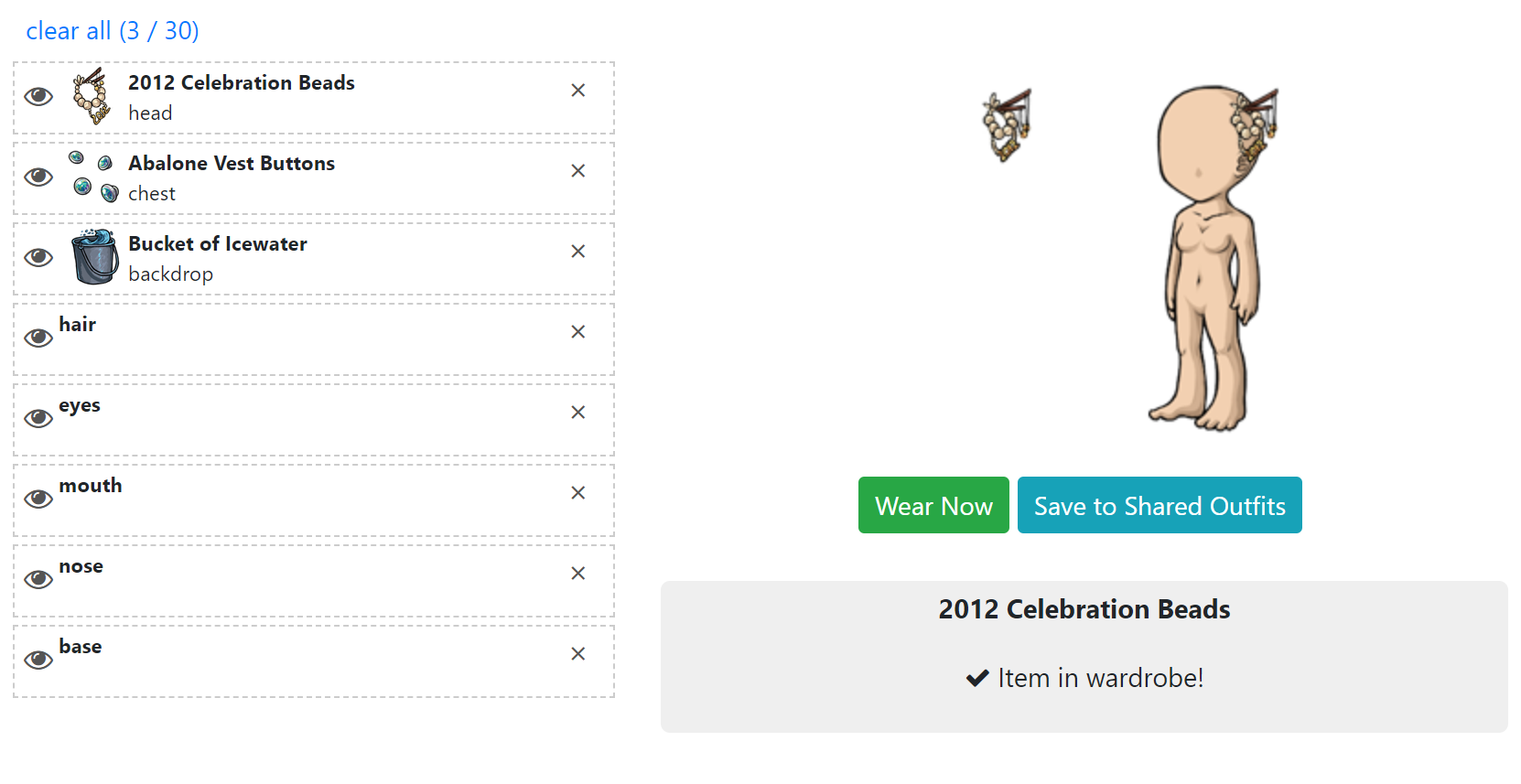
I'm using Microsoft 10 Pro, version 1709. My Chrome is v. 64.0.3282.167 (64 bit). I just updated it, checked again, and I'm still having the problem ;o;
Is there a fix for this? Thank you!
[flower=Verruciformis]

First, make sure you are viewing the wardrobe with HTTPS. It should say https and not http in the URL bar.
Second, try disabling adblock and all browser extensions as well as any user scripts you may have that could interfere with it.
Can you right-click the blank avatar that you're seeing, and choose "Inspect Element", and see what it says there? You should see a screen like this: https://i.imgur.com/ZiqQfDR.png

Each div class="avatar-feature" corresponds to a layer. If you can try to find one of the invisible layers, and open that div, can you see what it says inside?
Another thing you can try: hit Ctrl+Shift+J to make the javascript console come up, and screenshot whatever you see in the console, especially if there are any error messages.
🐝 ☕ bug (he/him) | your friendly neighborhood code wrangler. stay in the loop! join and check out the latest admin post highlights
Ok! Viewing in https, and disabled all my browser extensions (including screenshader, just to be sure), and it's still persisting.
Opened the Inspect Element page and selected the layer for the Blue Jay Birdfeed. Screenshotted! I got the Cardinal Birdfeed in the screenshot for reference as well, in case that helps.
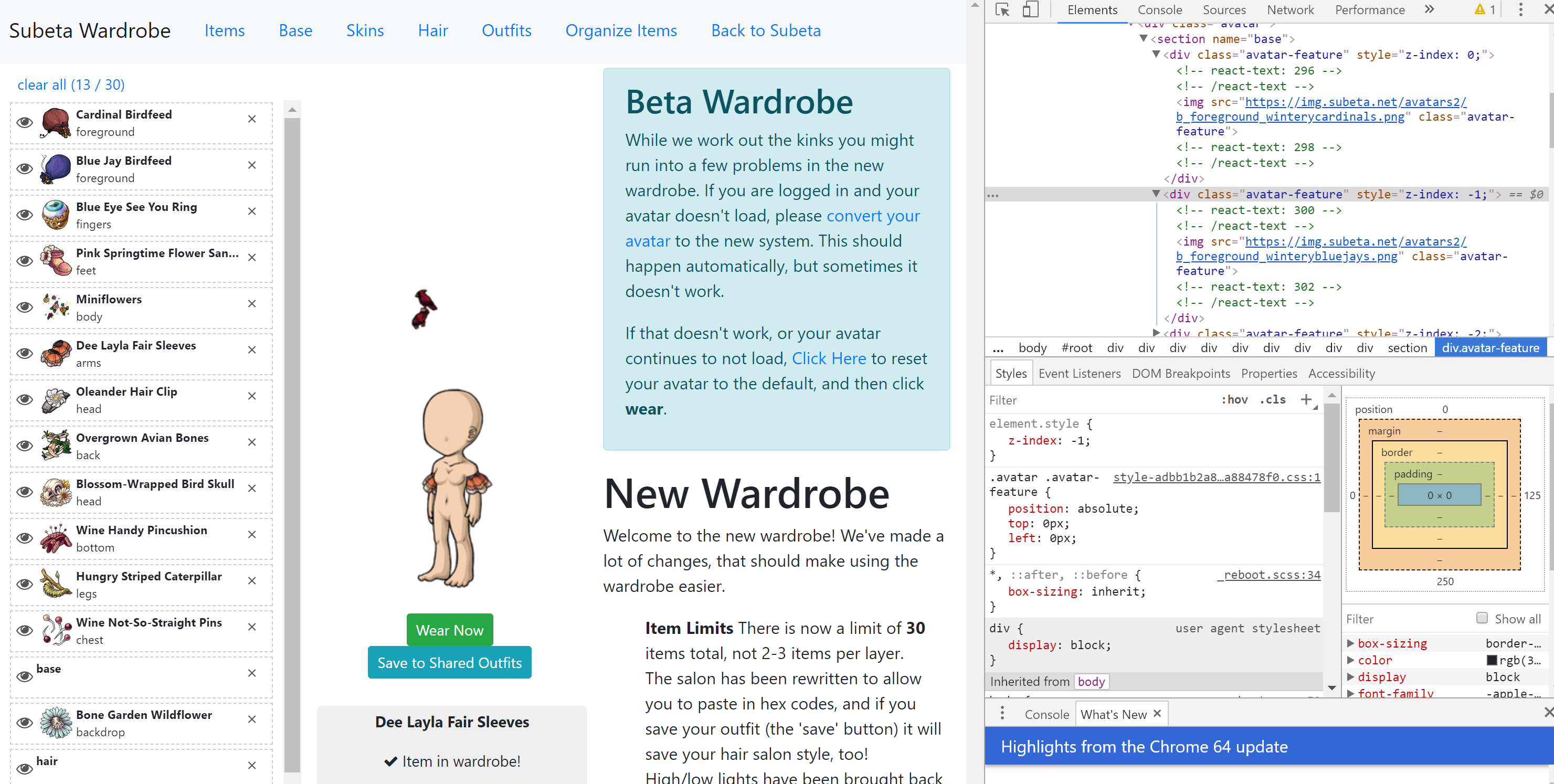
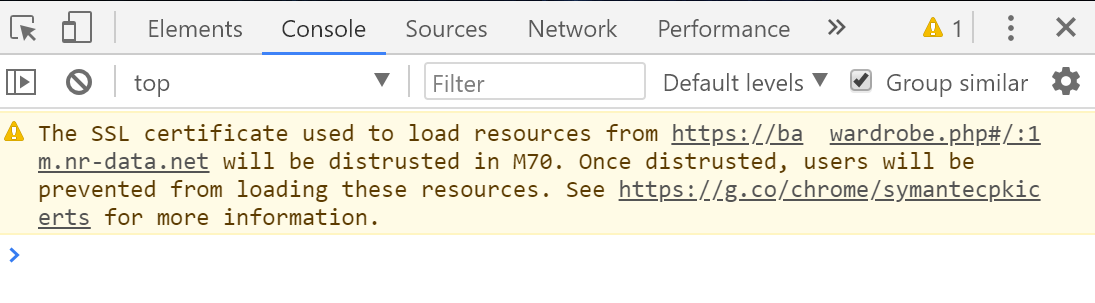
Ah -- I do indeed have an error message in the console. Screenshot! The entire rest of it is blank. I went into Edge to see if I got anything similar, and I took a screenshot of that too.

[flower=Verruciformis]
Thank you so much!! The Inspect Element screenshot is really helpful, but kind of baffling haha.
If you go back to Inspect Element, and hover over the Blue Jay Birdfood again, try hovering over the URL. For example, when I hover over the image URL in one of my layers, it highlights it in a blue box on the page: https://i.imgur.com/hB1N4ZT.png

Does yours also highlight the same blue box? Can you get a screenshot of that?
It also causes the image to show up in a tiny hover above the url, which is a good way to check that the image is loading for you. But in your case I suspect the image itself loads correctly, but is somehow being positioned incorrectly. It is definitely weird that it's just chrome.
🐝 ☕ bug (he/him) | your friendly neighborhood code wrangler. stay in the loop! join and check out the latest admin post highlights
Sure! Sorry I didn't get the box the first time, gyazo didn't feel much like picking it up. Here you go!
[flower=Verruciformis]

I apologize if this has already been brought up, but I am missing over 98% of my wardrobe skins
Formerly known as Habeebi
Hm... can you double-check that your Adblock and other browser extensions aren't causing this issue somehow? (Try turning them off and seeing if it still happens)
It looks like the image is there, it's the correct size and in the correct place. So the only thing I can think of, is that somehow it's getting blocked by the image on top of it. However that shouldn't happen since the image on top is also transparent. Could you go into the Inspector and select one of the div class="avatar-feature" elements? In the bottom left "Styles" tab, check to see if there is a background-color, I'm wondering if it's set to white or something...
Please file a ticket and a UA can help restore any skins you're confirmed to be missing.
🐝 ☕ bug (he/him) | your friendly neighborhood code wrangler. stay in the loop! join and check out the latest admin post highlights

None of my wardrobe outfits will load! Hours and hours of refreshing no good!
Thank you so much!
Formerly known as Habeebi

I haven't been able to change my avatar since about the time Survival started. I made an outfit and clicked wear now, and it said wearing on site, but only the shoes showed up on the avatar, and when I went back to the wardrobe everything but the shoes had been removed. I saved the outfit and have tried to put it on in Chrome and Firefox, without AdBlock, but the same thing happens every time.
Are you sure you own the items you are trying to wear? Before you can wear an item, you need to both own the item and have placed it in your wardrobe. You can move items to your wardrobe through Quick Stock, or simply from your inventory page. Inside the wardrobe, to make it only show items you own, find the box that says "Only show items you own" and make sure it is checked. Hope this helps.
🐝 ☕ bug (he/him) | your friendly neighborhood code wrangler. stay in the loop! join and check out the latest admin post highlights

Today I went to move my mouth under my base and the mouth layers suddenly started to multiply and while they could be moved under the base, one kept sitting above. I saved my work, then reloaded. Once reloaded I could move the mouth layer under the base without multiplying, but now there are 7 mouth layers under my base. Not a big deal, it displays just fine, but very weird.
I'm on FF57, windows 10
In loving memory of Need posting achievements?Then join Posting Frenzy Achievement Items - searchable list List of Borders and cutouts New at Fresh and Flavorful Ping Group
Are you still having this issue?
🐝 ☕ bug (he/him) | your friendly neighborhood code wrangler. stay in the loop! join and check out the latest admin post highlights