New wardrobe: Assorted bugs
Filter
Show Official Posts OnlyReplies

A couple bugs I've found on the new (slash migrated Kumos) wardrobe:
-Clicking "More" on layers and "+# More" on drawers doesn't actually open those menus.
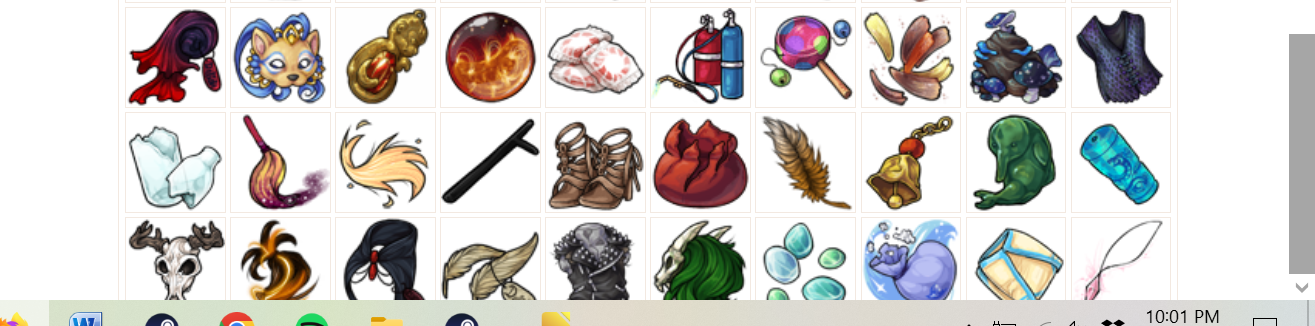
-After scrolling far enough (especially on my tiny laptop screen, since I'm out of town right now), scrolling gets....stuck, I guess? I can't scroll down far enough to see the item previews, and I can't scroll up beyond the edge of the wardrobe inset--half of my bookmarks are cut off, and I can't access the dropdown navigation tabs. This is as far up as I can scroll:
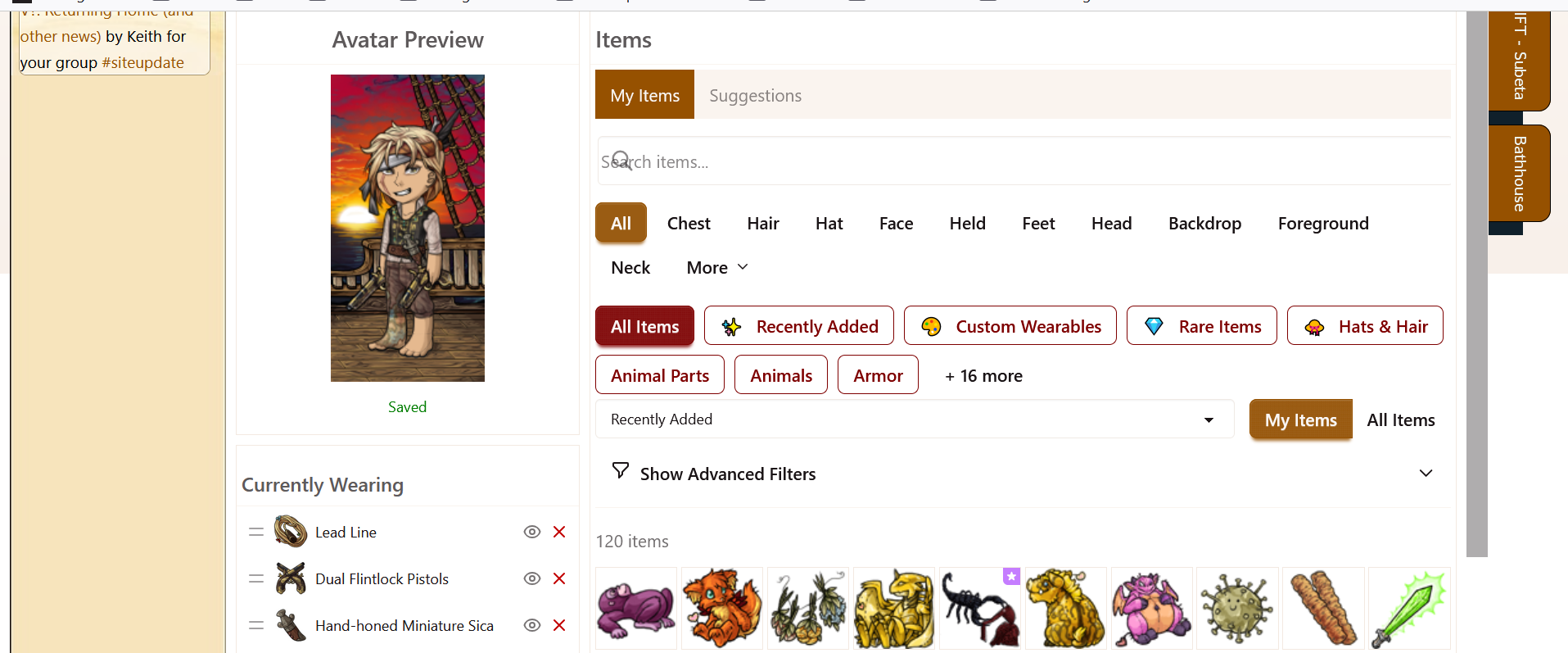
(ETA: This one did resolve itself after a few minutes, but quite confusing while it was happening.)
-Speaking of item previews, what happened to the three column layout? I thought this was implemented in Kumos, did it get lost in the transfer?
-On my small screen as you can see in the screencap above, the search icon is on top of the "search" text.
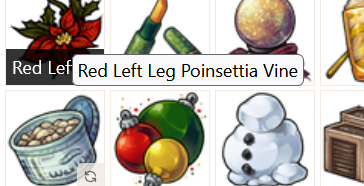
-Having one or two words from the item name on mouseover and then also the full item name as hover text is incredibly distracting. Can the item name be displayed in full somewhere where it isn't obscuring the image?
-The item display says "120 items" no matter what drawer/layer I click on, even though I definitely have more than that
-I can't access pagination--there's no buttons visible to move to second, third, etc pages
-new.subeta's wardrobe had images for eye, nose, etc types instead of just names--is this something that's implementable?
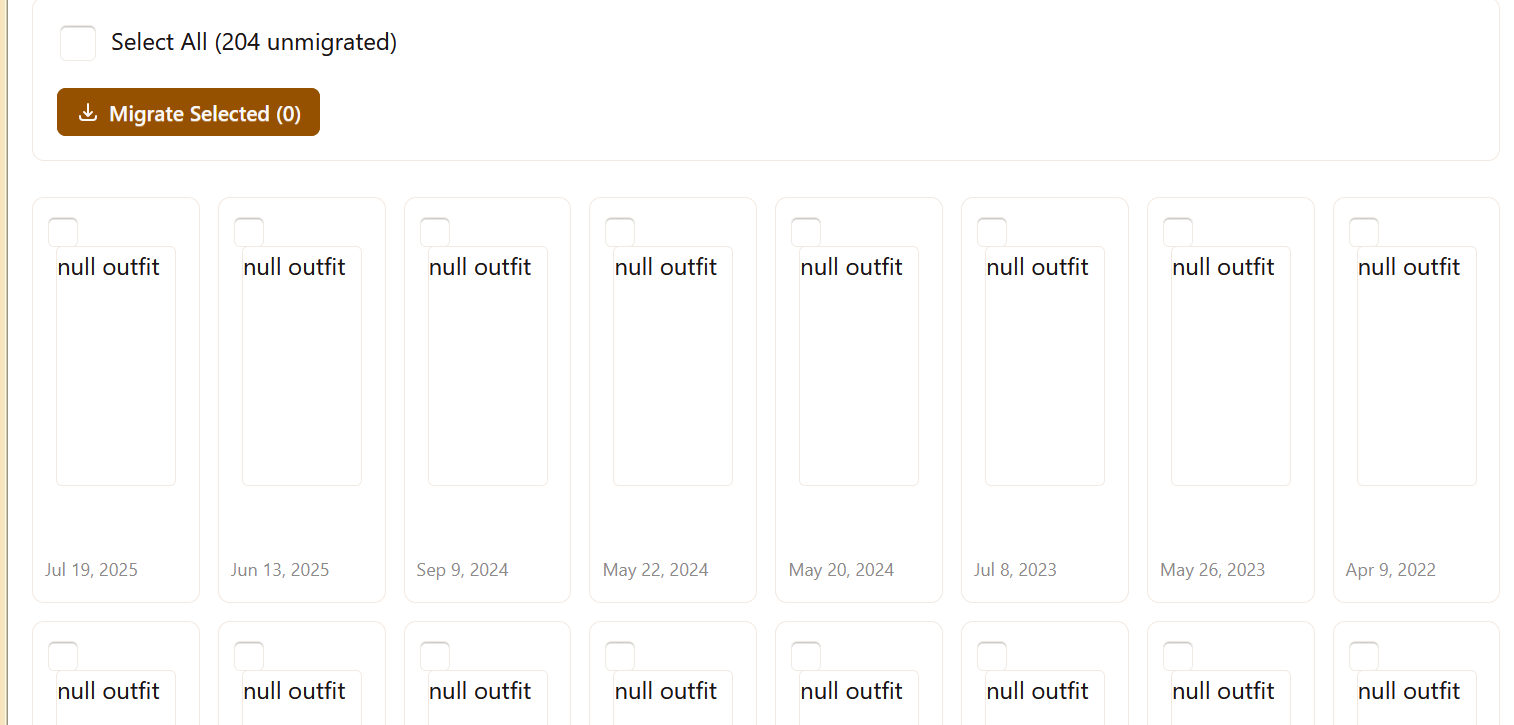
-outfit migration still broken. Outfit images are just. not showing up
-Organize doesn't have a way to add items to drawers.
 they/them/theirs, please.

I made a bunch of updates to the layout, let me know what of these you're still looking to be addressed!
💖 ✨ 🤗

I can't access the rest of my "+31 more" drawers. When I click the link, it extends the width of the page and covers the scroll bar which makes scrolling impossible.

When I click the More⌄ button, the rest of the layers do not display.
Additionally, I'm also getting the same thing on +4 More in the buttons below (where it shows All items, recently added, Custom wearables, rare items, etc.)
 ❤
❤🎉 | | | 🎉
The updated layout works much better for my screen (I can see outfit tools now!)--however, the preview and HA aren't scrolling with me.
I used to have a bunch of whitespace at the bottom of my wardrobe page (that scrollbar at the very top is the wardrobe scrollbar, lol!):
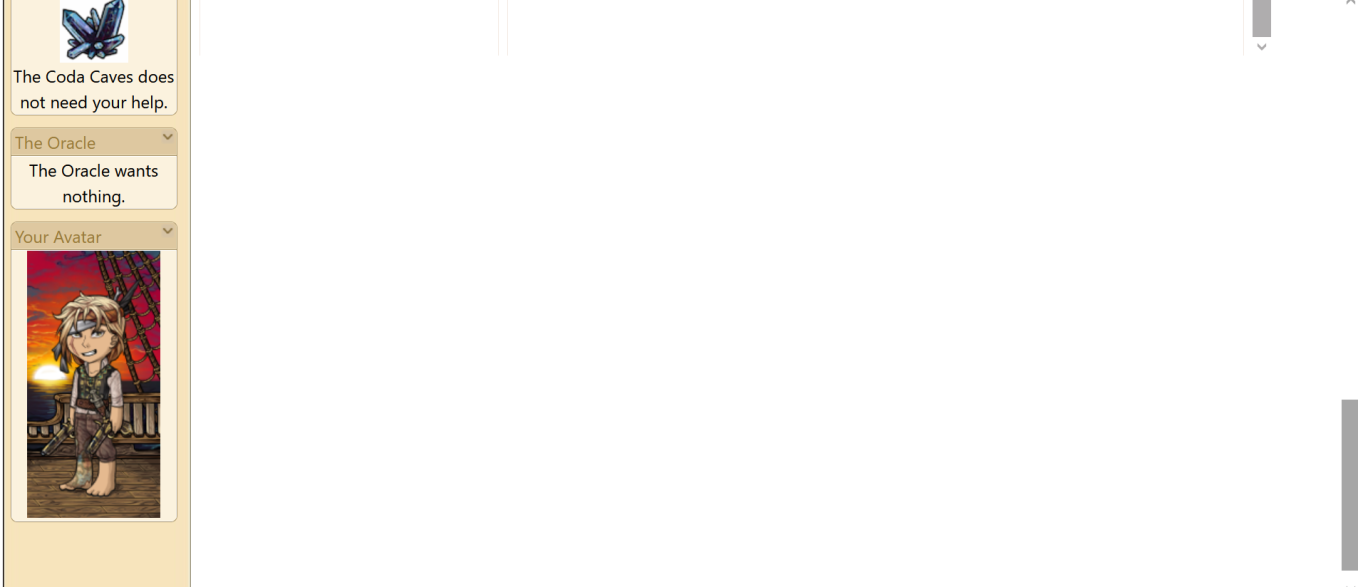
Now, although the wardrobe goes to the bottom of the page, it appears to actually go just a smidge past the edge of the page, cutting off the bottom edge of item images and hiding the pagination:
I can see pagination/ the bottom of images if I zoom out to 90%, but I'd prefer not to be constantly adjusting my zoom size.
Item number display is fixed--it now reads 120 items out of 11302 total.
I've figured out what killed the scrolling that I mentioned in my first post, and how I fixed it: Clicking any of the filters (layer, drawer, the More option, etc) makes the scrollbar go away, and navigating to a new tab in the wardrobe (outfits, base, etc) fixes it. No clue what's going on there, but it is still happening.
Otherwise, all the issues that I mentioned are still present.
they/them/theirs, please.

I love the new Wardrobe but like others have said, clicking 'More' in the categories for me does absoulutely nothing. Outfits also do not seem to save for me at all.
Other small things:
-Applied items have broken thumbnails on the left side where its listed when added, as well as names that '...' off before actually saying what it is (for example: it says 'Item ...') meaning I cant tell what is what unless I toggle the view with the eye because the icons are also broken.
-Not showing any saved outfits
-Outfit Suggestions don't work but I think thats prob a WIP so no worries there.
Those are the ones I noticed, but I went back to the old one again for now! I really like where this is going though its so clean!

Having pretty much the same issues everyone else has already mentioned
You'll need to "migrate" your saved outfits from the old system to the new one - they use a different back end (which is why you have to "opt in" to the new system)
💖 ✨ 🤗

I already made a topic about this on the bug report forum but... every time we add hair salon hairstyles to the avatar it reverts back to the last saved avatar

I’ve noticed the same issues as everyone else (the "more" and "save outfit" buttons are not working, and there are no suggestions).
But I’m not sure if this has already been addressed, I had the same issue on Kumos: the names I assigned to outfits weren’t migrated. Interestingly, the names appeared correctly on the migration page, but they are missing in the new overview after migration.
Is there a filter for items that haven't been assigned to a drawer and is there a way to sort items into drawers yet? I haven't been able to find a way to do it.
Regarding the Layout: it would be helpful if the column widths could be adjusted. Being able to resize them would make it much easier to read the item descriptions when needed temporarily. But I realize it might be technically difficult to make them resizable while keeping everything stable.
That being said, I love that the item preview is now next to the avatar, and the Drag & Drop is very smooth. I really like the 3-column layout and am happy to have the wardrobe back on Subeta. Thanks for all the effort!
--->>---O_o---<<---<<
--- Holiday Clickables---
| [tp=Unicatow] | [egg=Unicatow]
I gave it a shot, and it worked. They showed 'null' broken images but I ignored that and migrated them and now they show and load fine. Thank you for better explaining that for me!
Edit: also want to add; the layout feels so good as a desktop PC user. I love the positional changes and it all being in subeta frame is just... chefs kiss
Did migrating the outfits overwrite the original outfit creation date?
they all migrated fine? back on Kumos I was seeing a bunch of duplicated images so I didn't do it for fear that I'd lose a bunch in the process, and I'm also having the null/broken image bug so I still haven't tried.
they/them/theirs, please.

Yes, I'm getting the more button glitch too where it won't open or scroll. I'm using chrome.
Yes, they all say created yesterday. Personally I don't mind but keep that in mind for now.
I am using the new wardrobe but on legacy, Kumos just opens my wardrobe in the old one (new.subeta) and tells me to use the new one? A bit confusing to me sense its called the 'Kumos Wardrobe' lol. Maybe the 'wardrobe' link is just pointing to the wrong thing in the upper right submenu on Kumos?
I meant, back when the wardrobe was on Kumos, that's what I saw: see here
Now, on the new legacy wardrobe, I'm getting null/broken image outfits, like the screencap I put in the op.
I just want to make sure that my 200+ outfits transfer safely and none disappear or get overwritten.
they/them/theirs, please.
I see. I only had 7 outfits. they all just had Null names and images that looked like your Null images but they all transfered fine and loaded properly once I hit migrate. I can't say weather or not it won't miss anything, but I had no issues.
Edit: Maybe if its possible try migrating only a few and see if it works?